[caption id="attachment_72" align="alignleft" width="188" caption="Gliffy.com"] [/caption]
I've been using gliffy.com for quite some time now and after recently signing up for a company licence, I thought I'd share my thoughts on it. This is far from a complete review, just some of the reasons we're making good use of it.
Gliffy.com is a free web-based diagram editor. Create and share flowcharts, network diagrams, floorplans, user interface designs and other drawings online.
Firstly, I've used many open source tools for drawing diagrams, particularly
Diagram types
[caption id="attachment_80" align="alignnone" width="94" caption="UML Shapes"] [/caption]
Next up, what do I need a diagram tool for? Most of the diagrams I draw are very simple. I draw small class diagrams, sequence diagrams, use case diagrams, simple flow charts and the odd network diagram. Gliffy provides a reasonable collection of shapes and icons for all of these diagram types, which you can simply drag and drop on to your canvas. The gliffy examples page includes a class diagram and a network diagram, both showing these predefined shapes.
Collaboration
At my workplace, we need to collaborate on diagrams. We have multiple platforms in use (2 linux, 4 windows), so whatever file format we use must be accessible to all developers. As a desirable, it would be nice if the format was none binary, so we can see the difference between revisions in the subversion repository.
[caption id="attachment_76" align="alignnone" width="300" caption="Gliffy Flowchart"]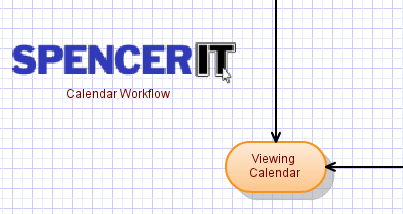 [/caption]
Gliffy.com provides export to JPEG, PNG and SVG formats. For those not in the know,
[caption id="attachment_77" align="alignnone" width="260" caption="Gliffy diagram in Inkscape"]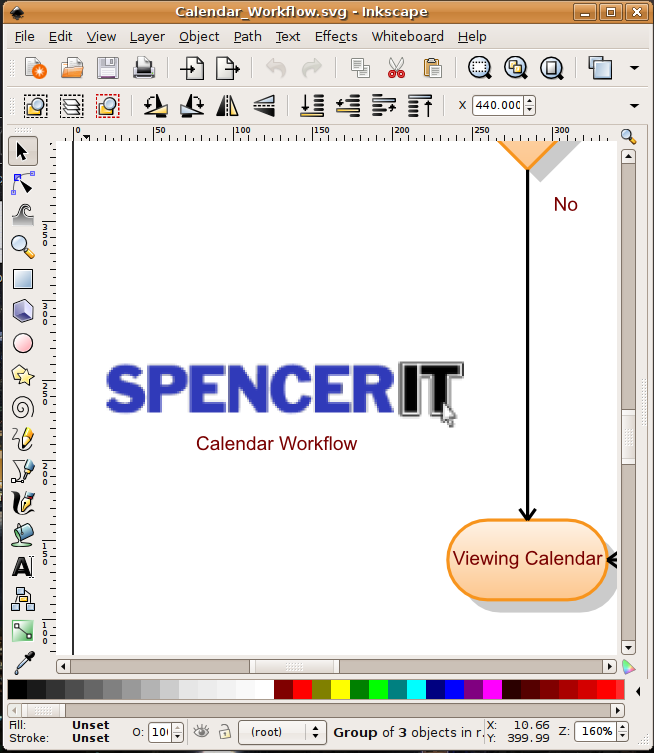 [/caption]
File formats aside, gliffy provides shared storage for your diagrams, allowing colleagues to work on diagrams created by you. It also stores a revision history for you.
Usability
[caption id="attachment_79" align="alignnone" width="300" caption="Gliffy Edit Menu"] [/caption]
Gliffy provides the typical editor capabilities, copy, paste, cut, delete and undo, so most people should feel right at home, though I aren't sure how well the keyboard shortcuts work. I use it with FireFox 3 on Ubuntu and the described shortcuts don't seem to work.
Aside from that, it's the regular run of the mill, drag and drop objects where you want them. It feels smooth enough, drop it in something like Prism and you probably wouldn't be able to tell it's a web app. One small gripe, if you have joined objects with the connector tool and then move the objects around, sometimes the connector flips it's angle.
Support
Worth mentioning, we've made two support requests and both were dealt with very promptly and efficiently. The first was creating a new billing account for our free trial under a different username and the second was one of my colleagues asking for some diagrams transferring from his personal account to his company one.
Value
At $25 a month for 10 users, Gliffy provides a excellent